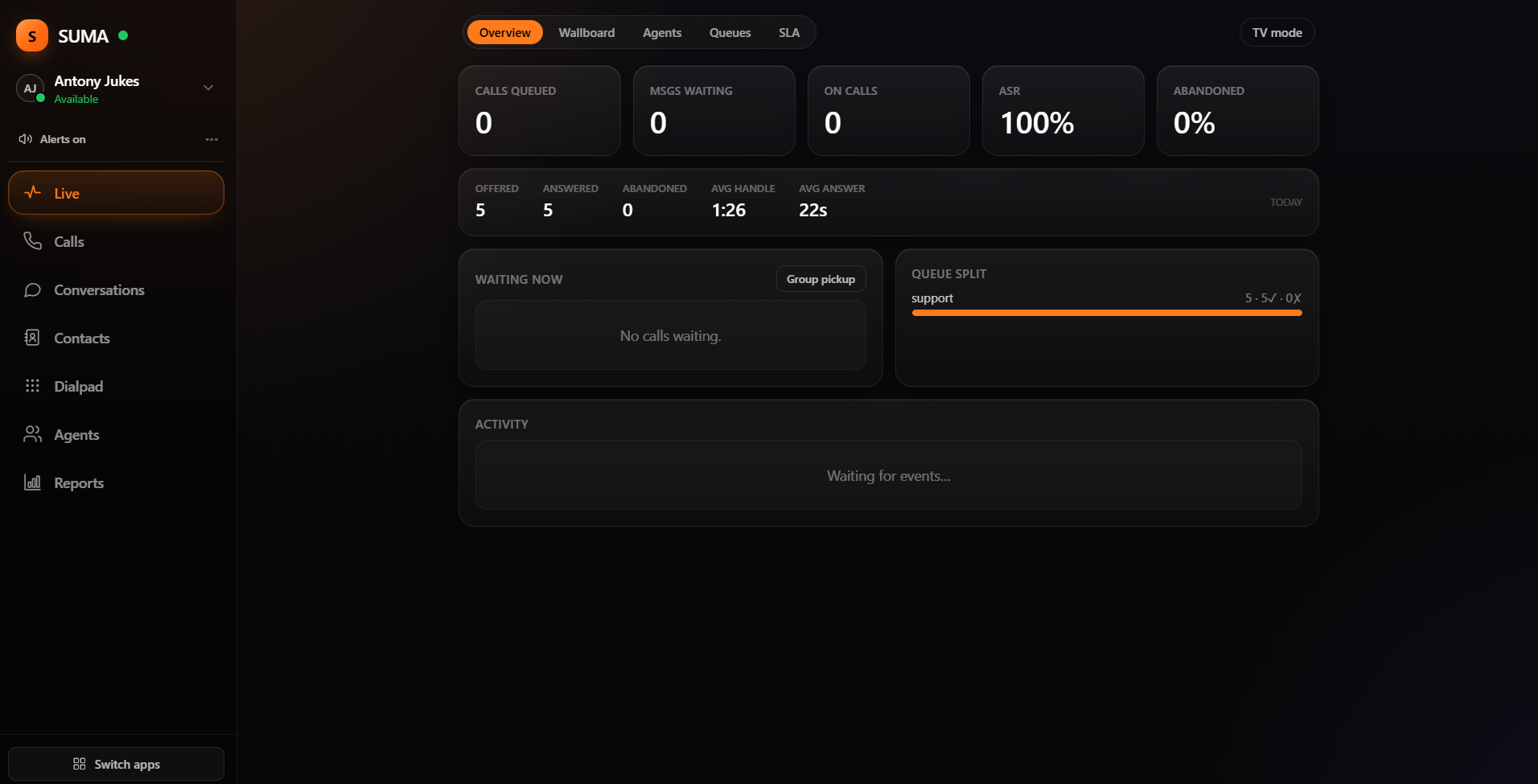
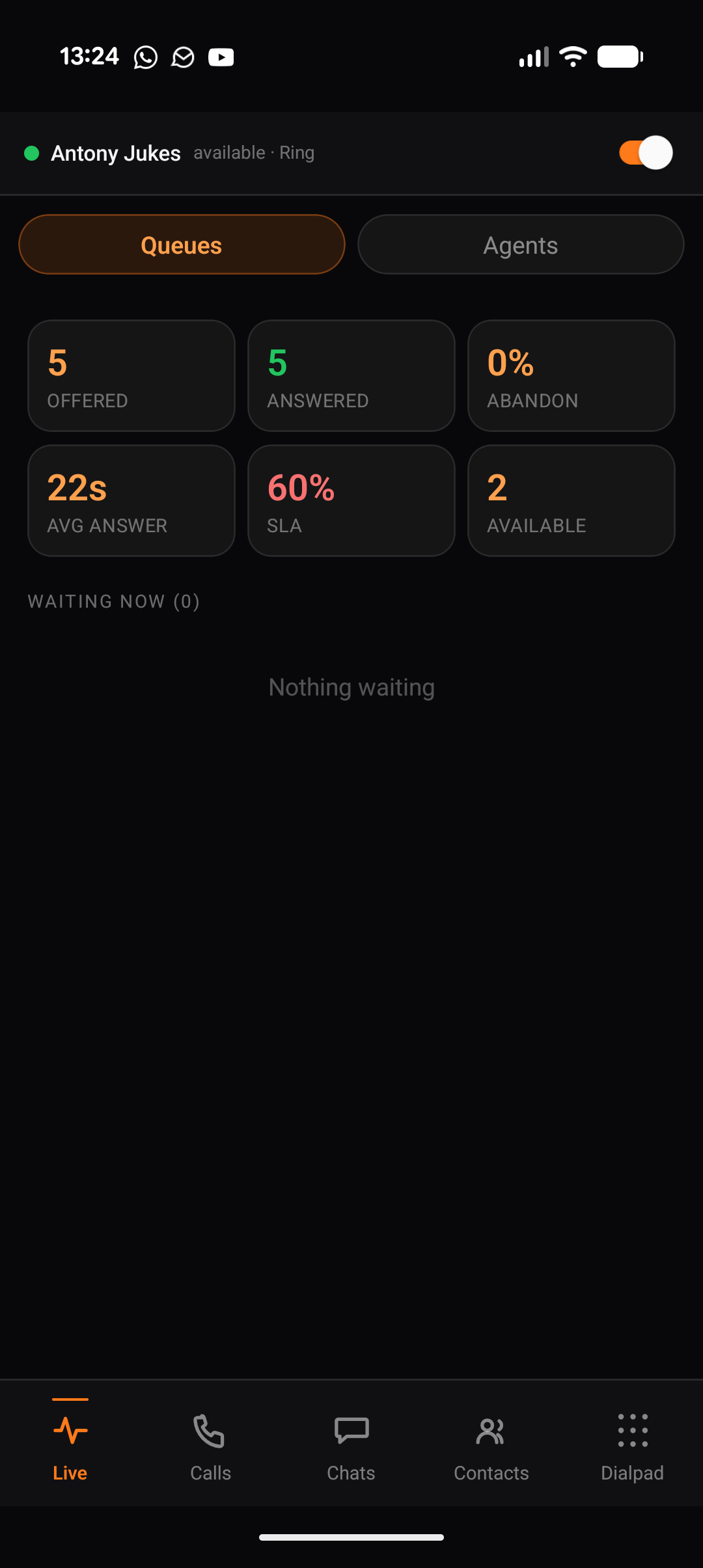
SUMA runs in any modern browser — nothing to install. Prefer a native app? Pick your platform below.
app.callable.io
Any browser. SUMA works in Chrome, Edge, Safari and Firefox — just open your Callable address and sign in. No download required.
Desktop
Windows
Available
Pre-configured (recommended): download from your organisation’s Callable tenant and it’s already set up for your instance — no address to enter. Get it from your tenant’s download page or your administrator.
Generic installer: the same app with no tenant baked in — enter your Callable address on first launch.
Open the DMG, drag SUMA to Applications, then enter your Callable address (e.g. acme.callable.io) on first launch.
Mobile
Android
Coming soon
The SUMA agent app for Android phones and tablets.
Coming soon toGoogle Play
iOS
Coming soon
The SUMA agent app for iPhone and iPad.
Coming soon to theApp Store
How downloads work
Every native app comes two ways. A pre-configured build from your organisation’s Callable tenant arrives already pointed at your console — nothing to set up. A generic installer is the same app with no tenant baked in — you enter your Callable address on first launch. The browser needs neither: just sign in.